NexusCore
J1 NOC Operations Platform (JNOP)
Version: v5.0 Status: Production Ready Repository: https://github.com/OneByJorah/J1-NOC-Platform
Table of Contents
- Overview
- Architecture
- Technology Stack
- Features
- Getting Started
- Environment Variables
- Service Management
- Deployment
- Security
- Project Structure
- Screenshots
- Contributing
- License
- Author
Overview
The J1 NOC Operations Platform is an enterprise-grade, dark-themed Network Operations Center dashboard built for real-time infrastructure monitoring, alerting, and operations automation. It consolidates monitoring of Domain Controllers, NTP clients, DNS benchmarks, logs, and helpdesk tickets into a single reactive interface.
The platform runs in a self-hosted Linux environment with systemd service management. Credentials are not stored in frontend assets, and the dashboard is served as a static HTML artifact via reverse proxy.
Architecture
Client → Nginx → FastAPI backend → monitoring modules → notification channels
Session identity and long-term memory are handled by Honcho; short-term context is handled by the platform runtime. Secrets are managed via environment-backed configuration and are never embedded in frontend artifacts.
Technology Stack
| Layer | Stack |
|---|---|
| Runtime | Linux (Ubuntu 22.04+, systemd) |
| Backend | Python / FastAPI / Uvicorn |
| Frontend | Static HTML5 Dashboard (Cyberpunk Dark Theme, v5.0) |
| Reverse Proxy | Nginx |
| Process Manager | systemd |
| VCS | Git + GitHub |
| Memory / Context | Honcho |
| Notifications | Email, Telegram, Microsoft Teams |
Features
- DC Replication — replication health, latency, LDAP and network status
- NTP Monitoring — client drift tracking, threshold-based alerting
- DNS Benchmark — per-DC response aggregation, CSV export
- Log Viewer — unified event timeline across modules
- Google Sync — cloud sync status and health indicators
- Ubuntu Server — host-level metrics and kernel event tracking
- Ollama AI — optional AI operations assistant integration
- PBX + Helpdesk — call-path monitoring and ticket lifecycle tracking
- Notification summaries — per-channel counters for Email, Telegram, and Teams
- Panic Test — one-click synthetic alert generator
Getting Started
git clone https://github.com/OneByJorah/J1-NOC-Platform.git
cd J1-NOC-Platform

python3 -m venv .venv
source .venv/bin/activate
pip install -r backend/requirements.txt

cp backend/.env.example backend/.env
# Edit backend/.env with your secrets. Keep it out of VCS.
Environment Variables
| Variable | Purpose | Notes |
|---|---|---|
OPENROUTER_API_KEY |
OpenRouter credential (optional) | Used if auxiliary models require chat completions |
| Provider keys as needed | DEEPSEEK_API_KEY, XAI_API_KEY, etc. |
Optional per enabled integration |
| Frontend | none | index.html is credential-free |
Backend uses configuration with restrictive file permissions for sensitive values.
Service Management
sudo systemctl start jnop-backend.service
sudo systemctl enable jnop-backend.service
sudo journalctl -u jnop-backend.service -f
Frontend hot-reload:
cp frontend/dist/index.html /var/www/noc/index.html
Verify the live frontend size after deploy:
stat -c "%s %n" /var/www/noc/index.html
Deployment
- Use system-stored credentials for Git operations.
- No token prompts during deploy flows.
- Keep secrets out of README, logs, and frontend artifacts.
- Frontend release path:
frontend/dist/index.html→/var/www/noc/index.html - Backend service:
jnop-backend.service
Security
- Secrets belong in gitignored env/config files.
- The deployed dashboard HTML is credential-free.
- Review changes before pushing to production branches.
Project Structure
J1-NOC-Platform/
├── frontend/
│   └── dist/
│       └── index.html          # Dashboard build output
├── backend/
│   ├── app/                    # FastAPI application
│   ├── main.py                 # Service entrypoint
│   └── .env.example            # Secrets template
└── docs/
    └── screenshots/            # UI captures for README
Screenshots
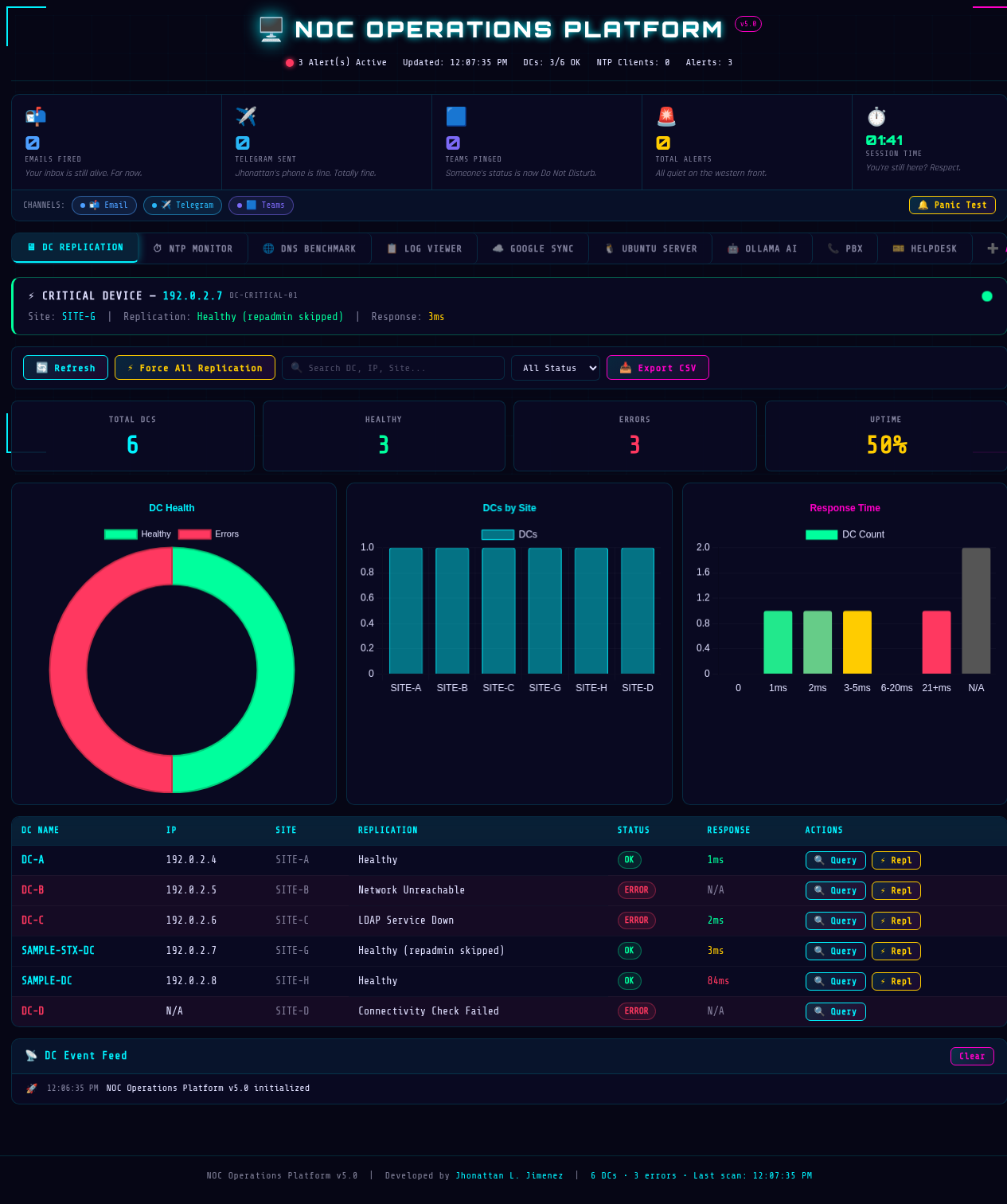
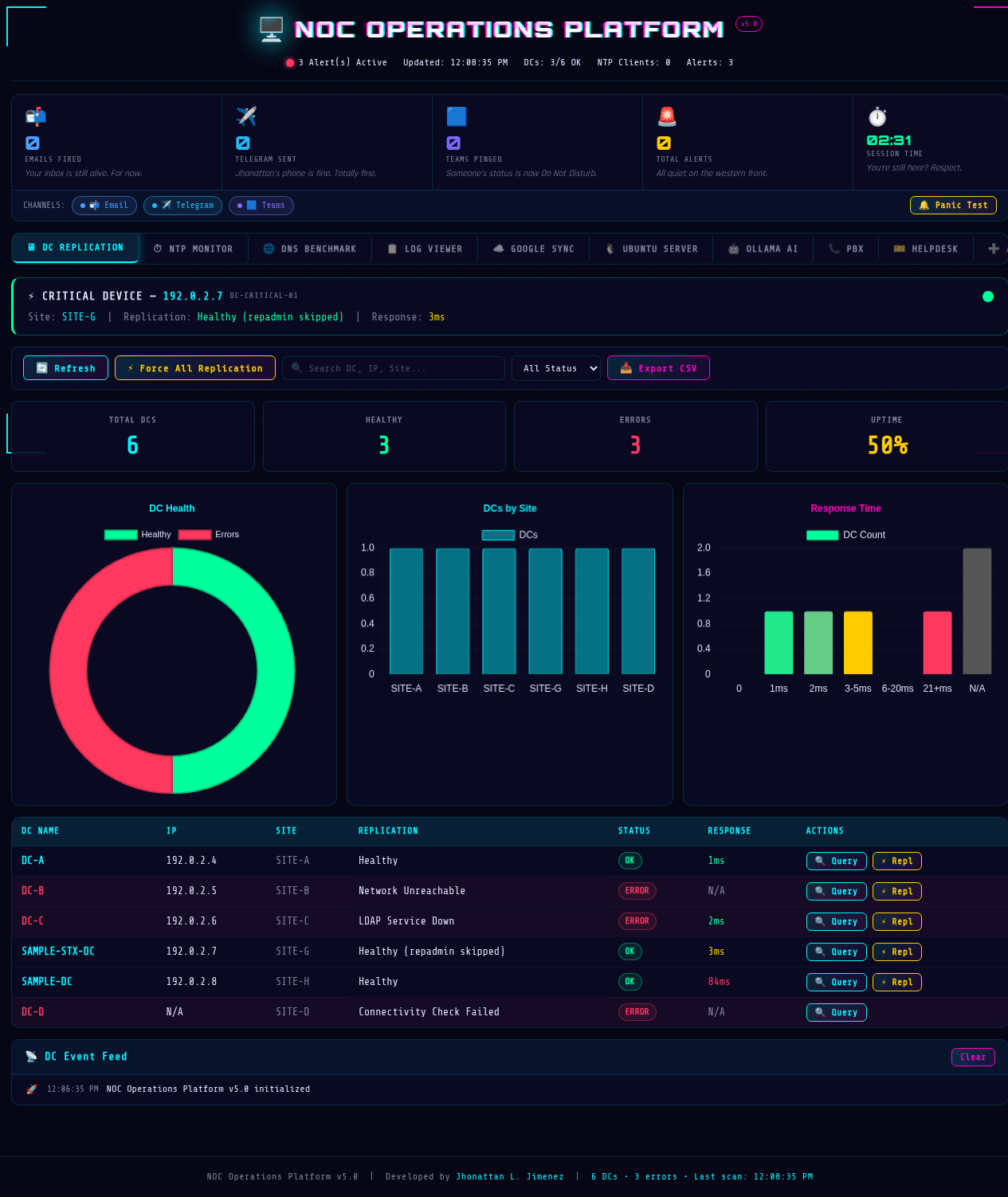
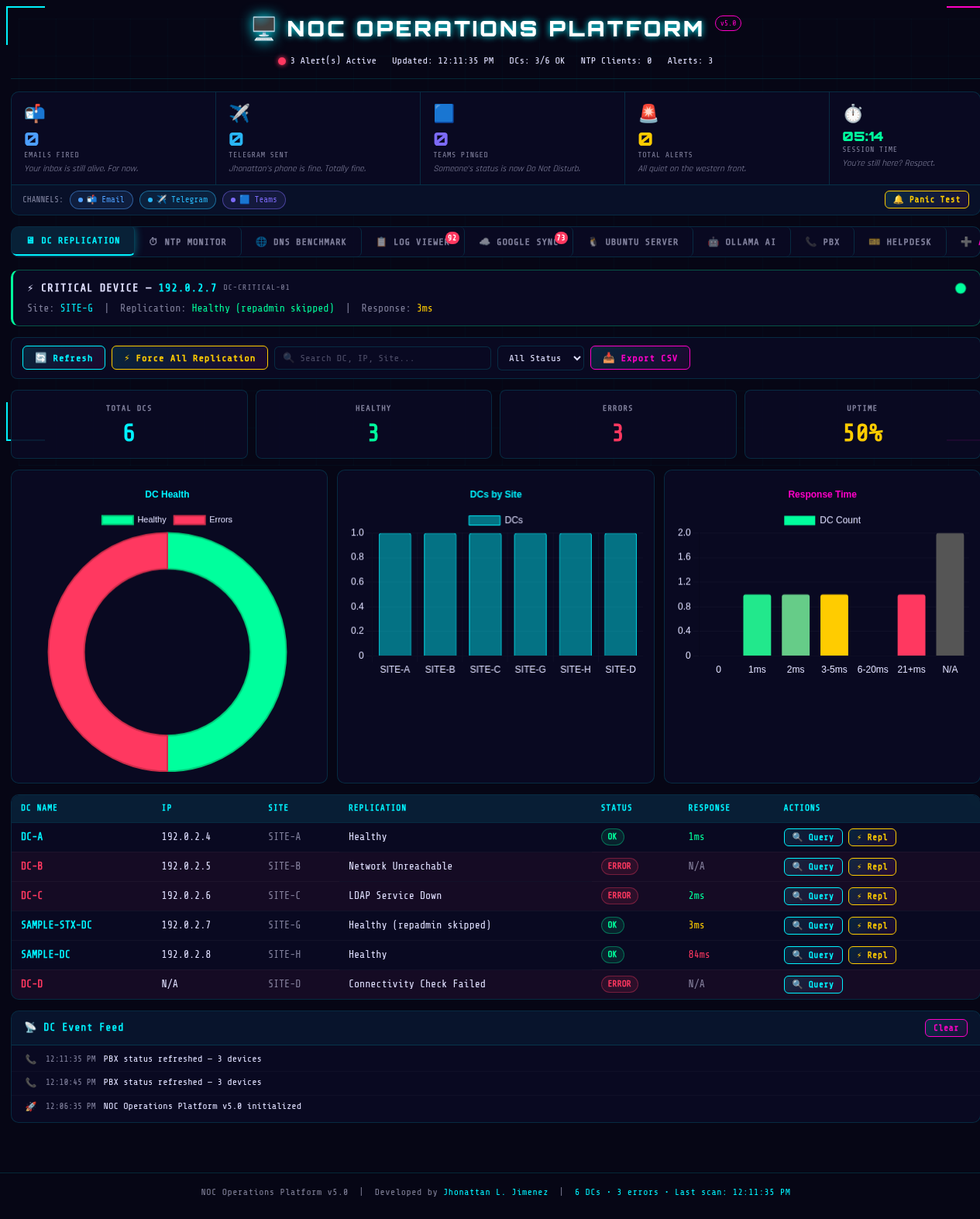
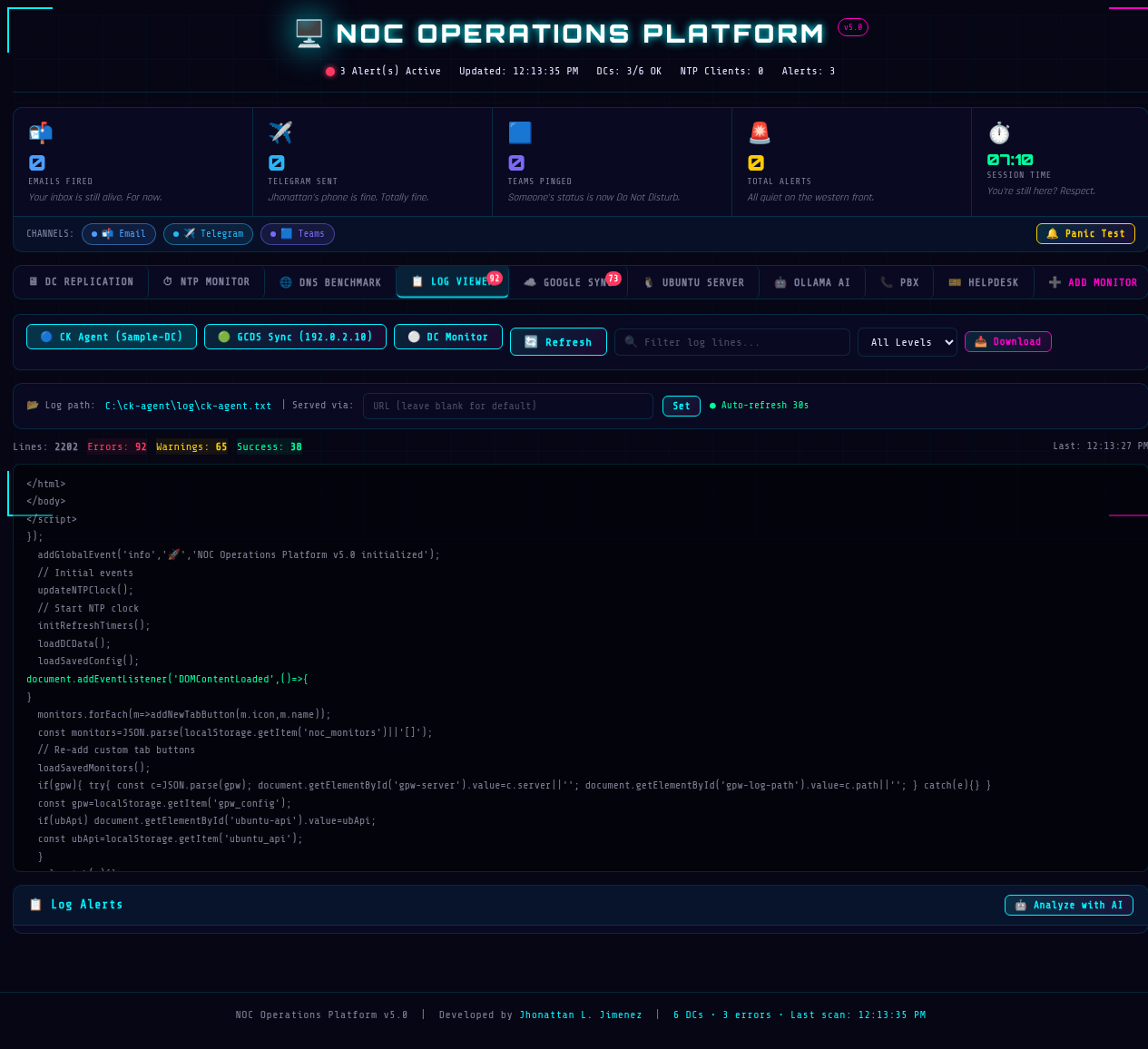
Live captures from the production dashboard (v5.0).
DC Replication
NTP Monitor
DNS Benchmark
Log Viewer
Google Sync
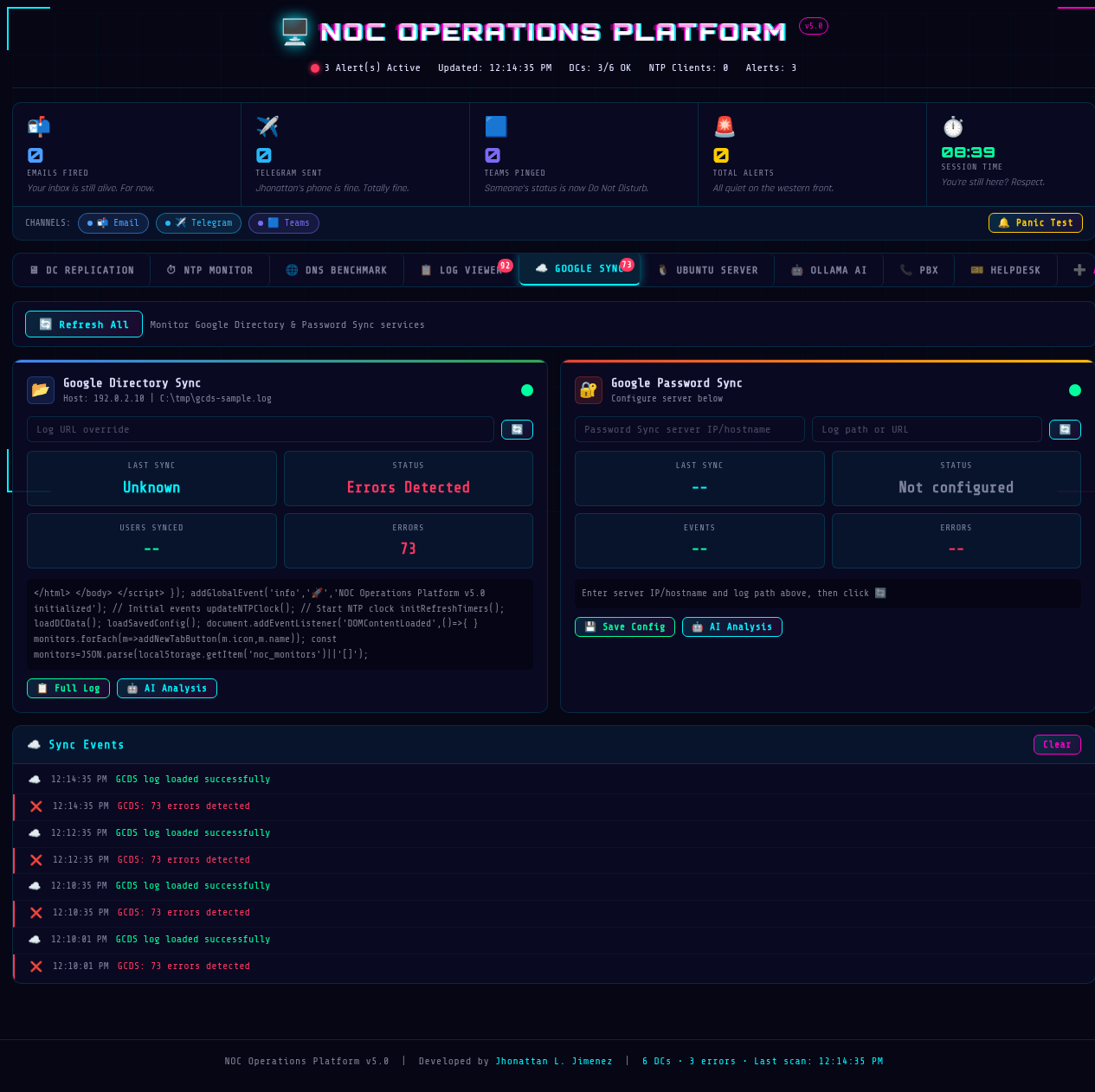
Ubuntu Server

Ollama AI

PBX

Helpdesk
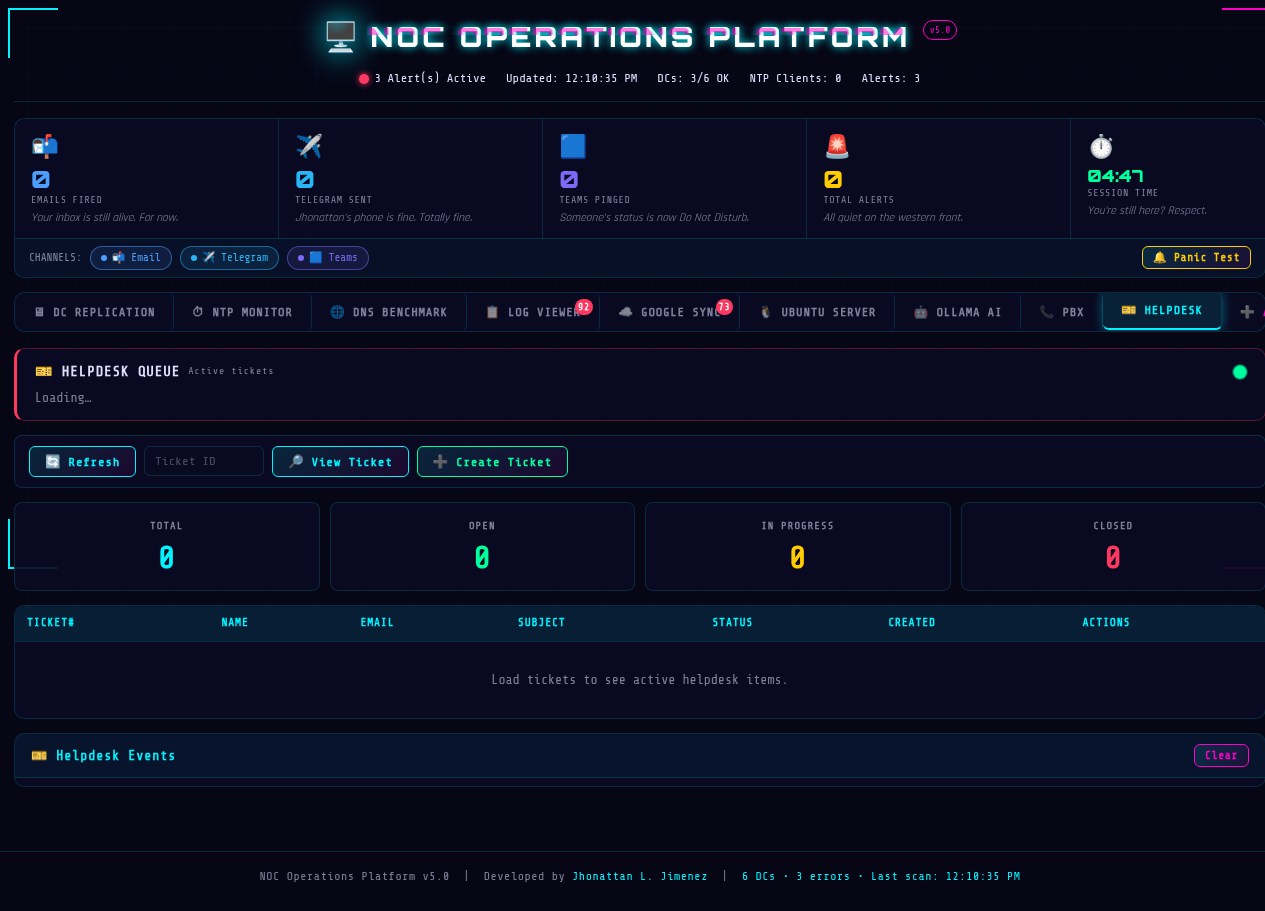
Contributing
- Create a feature branch off
main. - Avoid secrets in frontend artifacts or README content.
- Run backend checks before submitting review.
- Include screenshots for new UI states under
docs/screenshots/.
License
MIT
Author
Built by Jhonattan L. Jimenez.